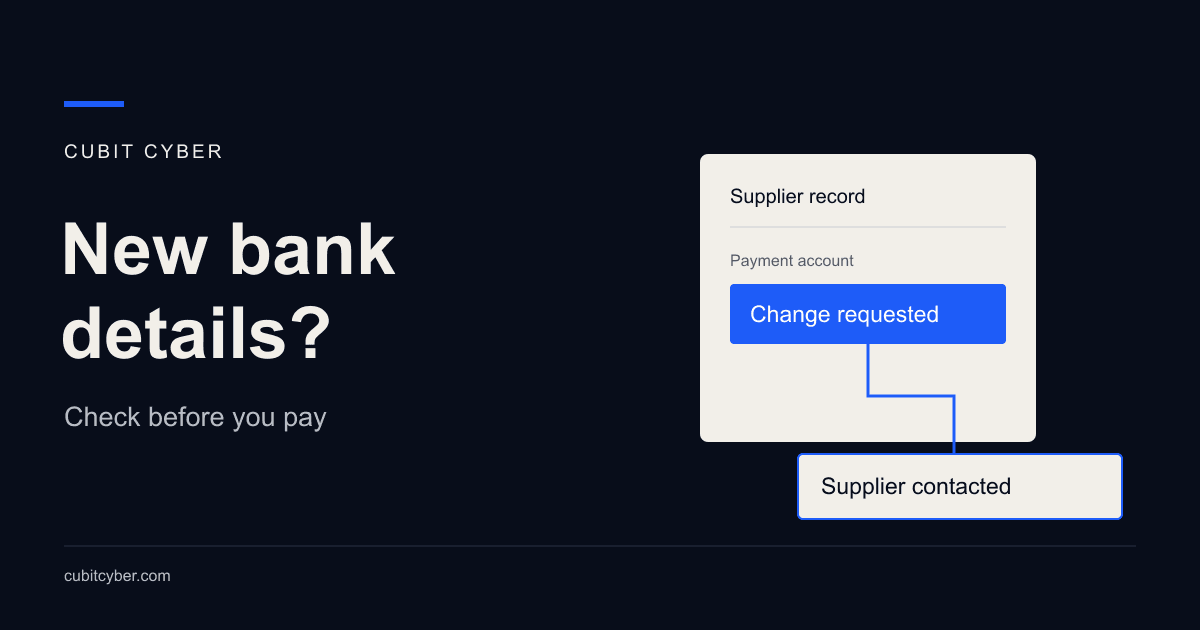
A supplier emails new bank details just before your payment run. The invoice matches work you ordered, and the message comes from someone your accounts team recognises. Before anyone updates the supplier record, you need a way to confirm where the money will go.
You could send the money to a scammer and still have an unpaid supplier invoice. Checking supplier bank details before you change them in your accounting system helps prevent that mistake.
Decide who will call the supplier to verify the change. Give that person time to make the call, even when payment is urgent.
A familiar email address does not verify new bank details
The Australian Signals Directorate's business email compromise guidance explains that criminals can use a compromised supplier email account to send altered invoices. They can also impersonate a business with a similar address or copied branding.
That means the invoice amount and the sender's address might both look right. Replying to the email can put your question back in front of the same person who sent the fraudulent request.
We recommend approving changes to supplier bank details separately from approving the invoice. Agree with your finance team who checks the request before anyone edits the supplier record.
Verify supplier bank details before updating the record
Use a number obtained independently of the request
Scamwatch recommends phoning the business using an independently sourced number to check changed payment details. Use a number you already know from dealing with the supplier, or find their official contact details without following links in the message.
Avoid the phone number in the change request or its attachment. As NAB's payment redirection guidance explains, that number could belong to the scammer. Follow the same approach if the message asks you to use a new website to verify the change.
Speak with someone at the supplier who is authorised to confirm payment arrangements. Check the account details and when the change takes effect, including which outstanding invoices it covers. If the person you reach cannot confirm them, ask them to put you through to someone who can.
Leave a record the approver can use
A note saying "supplier confirmed" leaves the next person guessing about what happened. Record who made the check, who they spoke with and where the contact number came from. Include the date and a reference to the bank details confirmed.
Store the confirmation where the payment approver can find it, with access limited to staff who need it. Your accounting software may let you attach it to the supplier record. If it does not, use an agreed secure location and put a reference in the record. Avoid scattering bank details across personal inboxes and chat messages.
Check the account before releasing payment
A second approval helps when the reviewer examines how the new details were verified. Two people reading the same email can both accept the same false instruction.
Before releasing the first payment to a changed account, compare the account shown in the banking system with the details confirmed during the call. Check the account itself, even when the supplier name and invoice total match.
Review who can edit suppliers and release funds
Ask whoever administers your accounting software and banking access to show you who can change supplier details. Then compare that list with the people who can approve payments. Include any external bookkeeper or accountant with access.
Where practical, have someone other than the person who edited the supplier record review the change and authorise payment. Give each person their own login so you can see who made a change. Check whether your software lets one person change bank details and approve the payment, and use the available permissions to restrict who can do each task.
A small team may need the owner to perform that review. If only one person handles payments, discuss the available approval arrangements with your bank and accountant. While you work out those arrangements, write down how you will check changes before paying.
A checklist for the payment run
Use this checklist during the payment run. Assign someone to each step so the approver knows who to ask if a check is missing.
| Stage | What to check |
|---|---|
| Request received | Which supplier and invoices does the change cover? |
| Supplier contacted | Who called the supplier, and where did they get the number? |
| Details verified | Is there a record of who confirmed the account and when? |
| Supplier record updated | Do the entered details match the confirmation, and can you see who changed them? |
| Payment ready for release | Has the approver compared the bank account with the confirmed details? |
If someone sends another account number after the call, pause the change and verify it again.
Decide what happens when nobody can confirm the change
Give staff a clear instruction: hold the change and the affected payment until verification is complete. Name who will handle a payment deadline problem and speak to the supplier about timing using a contact you already trust.
Arrange a backup approver for leave and absences. That person needs access to the verification record and the authority to question a request, including one forwarded by the owner. An urgent message should not leave accounts choosing between skipping the check and upsetting the boss.
Ask the people who run payments what they would do if the supplier's accounts contact were unavailable on the day a large invoice was due. Work out who else they could contact and who would tell the supplier the payment is on hold.
If a suspicious payment has already left
Contact your bank immediately using its official contact details. Explain that you suspect payment fraud and provide the transaction details. Ask what action it can take to stop or recover the payment. Do not wait for your IT provider to finish investigating before making that call.
ASD's business email compromise recovery guidance recommends reporting the incident, keeping a record of events and checking account security. Preserve the original messages and payment records, and let the genuine supplier know through an independently verified contact. Prompt action may help, but recovery is not assured.
If you suspect someone has accessed an email account, ask your IT provider to investigate and secure any affected accounts. They will need to establish whether an account was compromised or the sender was impersonated. Share the finance team's records with them so they can compare the request with what happened in the systems.
Keep the bank's fraud contact and your internal escalation contacts in your incident response plan so staff can find them quickly.
Walk through one recent supplier change
Choose a recent change and ask the finance lead to show the payment approver how it was checked. Follow the confirmed details into the supplier record and compare them with the payment that left the bank. If nobody can find the confirmation or explain who reviewed it, you have a specific gap to fix.
If you cannot establish who can change supplier details or how those accounts are protected, a Breach Prevention Assessment can review the relevant Cyber Security controls with your existing IT provider. Include the finance team so the review accounts for how they prepare and approve payments.
Use that review to fix any missing checks before the next payment run. Give each action an owner and make sure the people approving payments know what has changed.