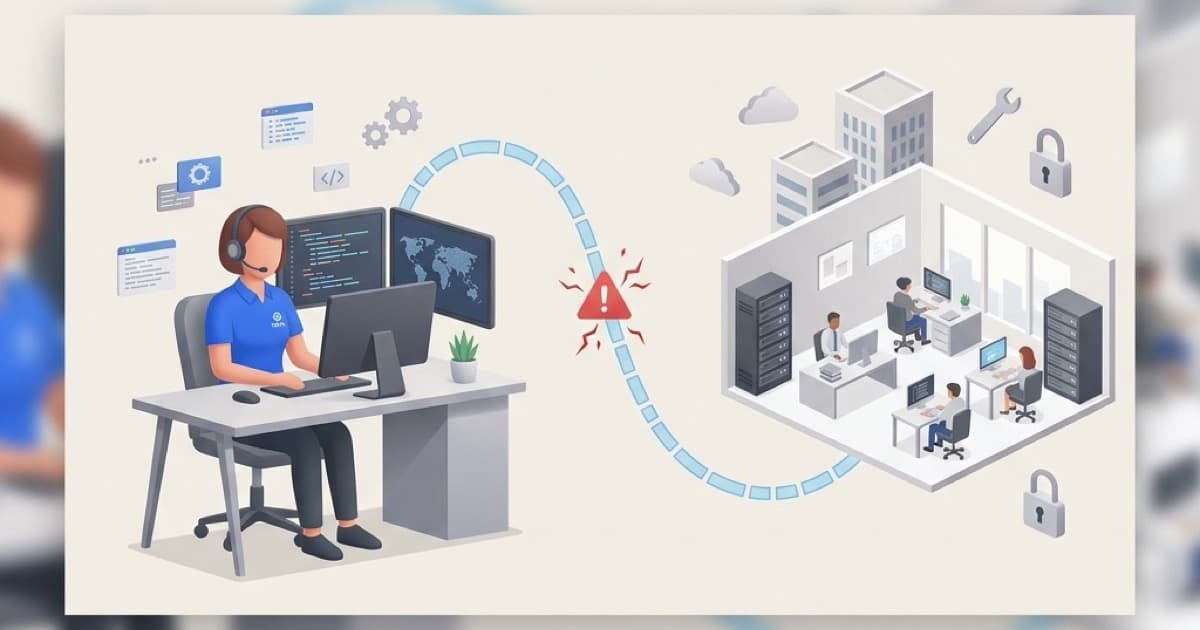
On 30 June 2026, researchers confirmed that attackers are actively exploiting a critical flaw in SimpleHelp, a remote IT support tool used by IT providers across Australia and worldwide. The vulnerability does not target your business directly. It targets your IT provider's software and reaches your machines through that trusted relationship.
What SimpleHelp is and why your business is connected to it
Many Australian small businesses use an IT support provider who connects remotely to fix problems. SimpleHelp is one of the tools that makes this possible. It lets a technician see your screen, run commands, and install software on your machines without needing to be in your office. Most of the time, that is exactly what you want.
The problem is a flaw tracked as CVE-2026-48558, rated CVSS 10.0, the highest score on the vulnerability severity scale. It lets an attacker bypass the SimpleHelp login entirely, gaining full administrator access without a password or any valid credentials.
What the attack actually looks like
The attacker does not need to trick anyone on your team. They search for SimpleHelp servers that have not been patched and use the flaw to give themselves administrator access. From there, every computer managed through that server is reachable. They push malware using the same trusted channel your IT provider uses for legitimate work, and the whole process can complete without anyone noticing.
The US Cybersecurity and Infrastructure Security Agency (CISA) added this flaw to its Known Exploited Vulnerabilities catalogue on 30 June 2026 and set a patch deadline of 7 July for US federal agencies. That deadline is a useful benchmark for everyone else.
What the malware does once it is installed
Researchers have identified two tools being deployed through compromised SimpleHelp servers.
TaskWeaver is a loader. It runs first, fingerprints the machine, and opens an encrypted connection back to the attacker's infrastructure.
Djinn Stealer is a previously undocumented credential-theft tool that runs on Windows, macOS, and Linux. Once installed, it targets:
- Saved passwords and browser data
- Microsoft 365, Google Workspace, and cloud service credentials
- Banking and financial application credentials
- Cryptocurrency wallet data
- Authentication tokens and active session cookies
The theft is quiet. By the time you notice something is wrong, the attacker has likely already used those credentials to log in to your business accounts.
Why this is your risk even if you do everything right
Your business might already keep on top of patches and passwords. It does not matter if your IT provider's tools are the vulnerability.
This is how supply chain attacks work: rather than targeting your business directly, attackers go through a trusted third party. We have written about this before in how vendor risk can expose your business, and this is a live example playing out right now.
One unpatched SimpleHelp server can expose every client that IT provider supports. You could be one of many businesses at risk with no way of knowing.
What you need to do before 7 July
1. Ask your IT provider a direct question.
Contact your IT support provider and ask: "Do you use SimpleHelp? Have you patched CVE-2026-48558?" A responsible provider will confirm their patch status without hesitation. If they are not sure or cannot answer, that is worth following up on.
2. If you self-host SimpleHelp, update it now.
The patch is available. Update to the latest version immediately. If the update cannot be applied right away, take the SimpleHelp server offline until it can be.
3. Review which credentials may have been exposed.
If your IT provider used SimpleHelp and cannot confirm they were fully patched before 29 June, treat credentials on connected computers as potentially compromised. Change passwords for Microsoft 365, Google Workspace, banking, payroll, and any financial platforms your business uses.
4. Enable multi-factor authentication on all business accounts.
Even if an attacker has your password, multi-factor authentication (MFA) stops them from using it. If MFA is not yet active on your business email and cloud tools, it is straightforward to configure in Microsoft 365 and should be done this week.
Summary
The SimpleHelp flaw does not require anyone at your business to do anything wrong. The attack reaches you through your IT provider, via software you probably had no reason to think about before now.
The patch is available and the fix is straightforward. What matters is whether your provider has applied it. One conversation will tell you.
If you want to understand where your broader security posture stands, get in touch with Cubit Cyber for a free initial consultation.